
Search with one or more words
Type a word into Search. ctrlv.page checks saved content, item type, detected code language, clipboard format and a local source file name.
For a Note, Search checks the title and readable body, including list and task text.
If you enter more than one word, every word must match the item. The words do not need to appear on the same line.
A single small mistake in a word with at least five letters can still find a match. Exact matches appear first.
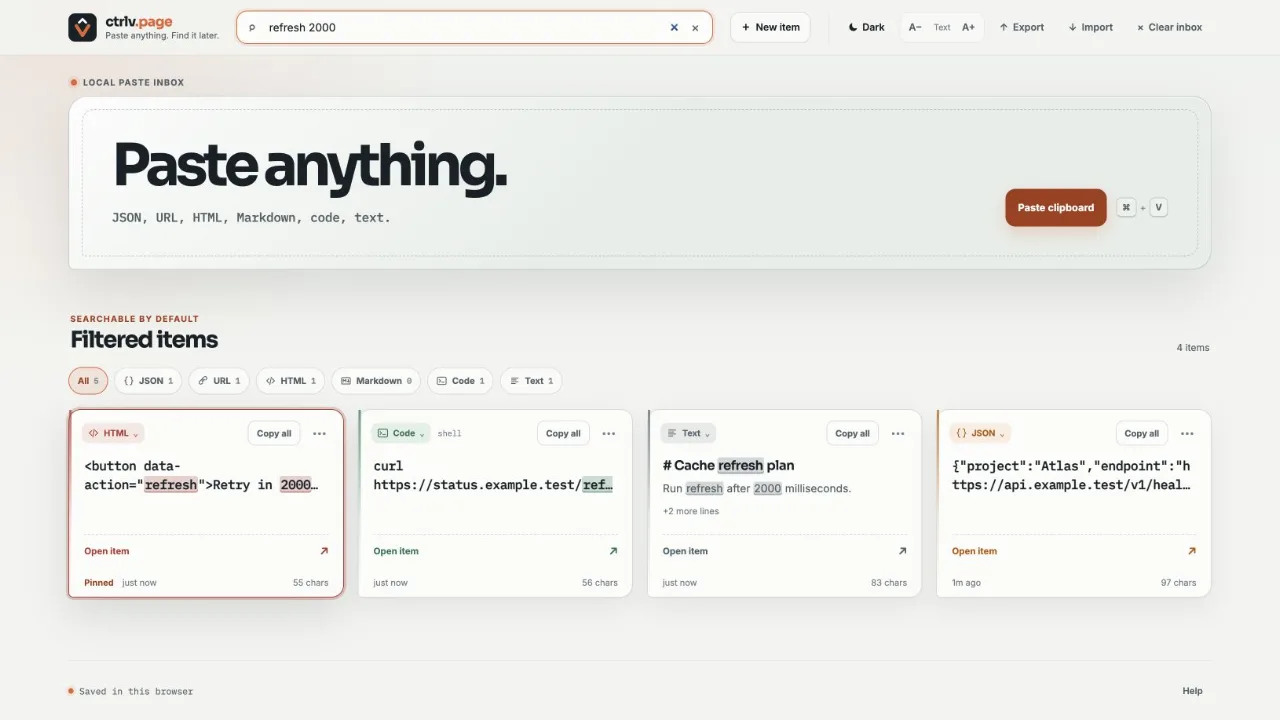
Filter by type
Choose All, Note, JSON, URL, HTML, Markdown, CSV, Code or Text. Search and the type filter work together. Note separates notes written in the rich editor from ordinary pasted text.
The number beside each type shows how many items of that type are in your inbox. On a narrow screen, the type buttons become one Filter menu.
Organize with categories
Categories are optional. Nothing changes on screen until you create one. An item has one category at most, or none. You can have up to 50 categories, each with a name of up to 32 characters and one of 10 colors. There are no folders, sub-categories or tags.
- Open the three dot item menu on a card or on a row in Rows.
- Choose Category…, then pick a category, or choose No category to clear it. With none yet, choose New category… to create the first.
- To create, rename, recolor or delete categories, choose Manage categories… in that menu, or select Manage beside the category filter.
An item shows its category as a colored badge. Once at least one category exists, a category filter appears next to the type filter. Choose All categories, a category or Uncategorized. The number beside each choice shows how many items it holds, and the category and type filters work together. Search also finds an item by its category name.
Deleting a category asks for confirmation and tells you how many items become uncategorized. The items are not deleted, but a deleted category cannot be restored: there is no Undo. Names are unique ignoring case and accents, and invisible characters are not part of a name. Categories with the same name merge when devices sync and when you import a file.
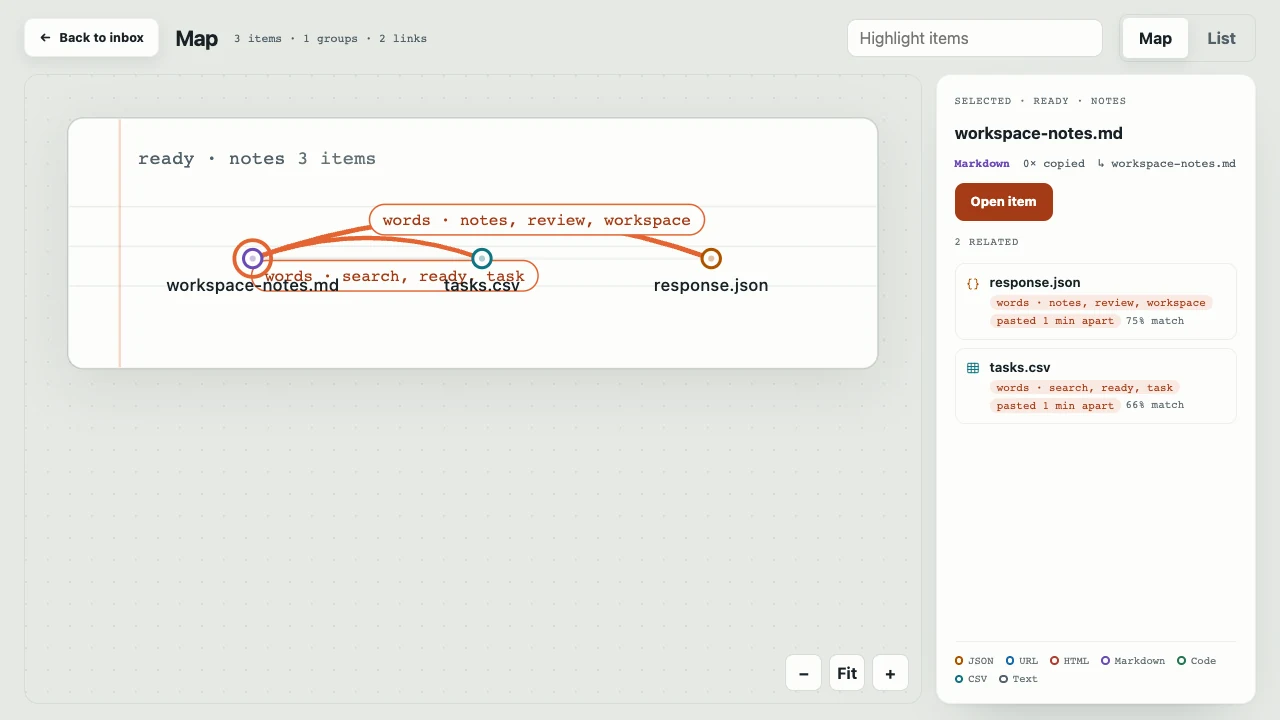
In Map, a category adds a ring in its color around the item and the same category filter is available. Map does not group items by category.
See more results
ctrlv.page shows the first 100 matching items. If more results are available, choose Show more to load the next group.
Find text inside one card
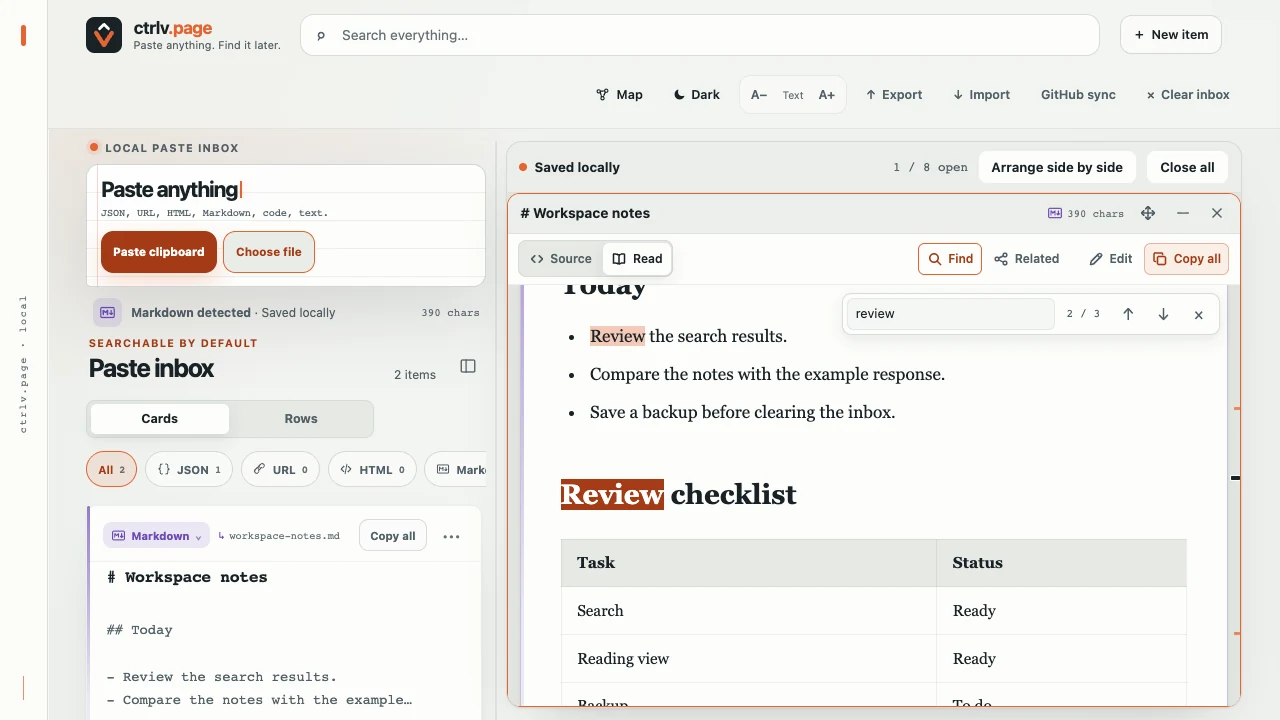
- Open an item and select Find, or press Command+F on Mac / Ctrl+F on Windows or Linux with that card active.
- Type the word or phrase. Matching text is highlighted and a counter such as 2 / 3 shows your position.
- Press Enter for the next match or Shift+Enter for the previous match. You can also use the arrows beside the counter.
- Press Esc to close Find while keeping the card open.
This searches the open card, not your entire inbox. It ignores letter case and common accents, including Turkish i/ı/İ/I. Marks on the scroll edge show where matches occur. Unlike inbox search, type a phrase as it appears rather than separate words from different lines.
While editing, in an HTML Read preview or in an item with a very long line, card Find is unavailable and the shortcut stays with the browser. For HTML, switching to Source also enables card Find.
Copy a full item
Select Copy all to copy the original saved text.
For a Note, Copy all gives plain text: the title, body, lists and checked or unchecked task markers. Colors and rich styling are not copied. Use Export to keep the complete formatted Note in a backup.
Valid JSON may look indented while it is open. Copy all still returns the original JSON exactly as you pasted it.
Switch letters to A-Z
Open an item and select A-Z to keep letter case, or A-Z UPPERCASE for capitals. The text changes on screen right away. For example, çağrı becomes cagri or CAGRI. Select Original to see the saved text again.
The change is not saved yet. Copy all, line copy and selection copy use the text you see. Select Save to keep it or Discard to drop it. If you close the item first, ctrlv.page asks what to do. Saving replaces the original text.
In a Note, A-Z changes the title and body text while preserving the formatting, lists and checkbox states. Task checkboxes cannot be changed while you preview an A-Z conversion.
Turkish and common accented Latin letters are supported. If the item contains unsupported or non-Latin letters, the text stays unchanged instead of becoming a partial result.
Copy one line
Open an item in Source, then select any nonblank line. ctrlv.page copies only that line and confirms the action.
Copy selected text
Select part of the text inside a card. ctrlv.page tries to copy the selection and shows the character count.
If the browser blocks the automatic copy, select Copy selection.
Let useful items rise
A successful copy or an exact repeat paste can move an item higher in the inbox. Recent use matters more than old use. You do not need to sort cards yourself.
Pin an item
Open the three dot item menu on a card, or on a row in Rows, and choose Pin. Pinned items stay in the top group. Automatic order still applies inside that group. In Rows, a pinned row shows a small pin.
Open the same menu and choose Unpin to return the item to normal order.
Use the keyboard
- Press / to focus Search.
- Enter your search words.
- Press ↑ or ↓ to move through the results.
- Press Enter to open the active result, or press C to copy it.
- Press Esc to close Find first if it is open. Outside editing or a dialog, Esc closes the active card; unsaved changes may need a choice. With no card open, Esc clears Search.
Common questions
- Why did an item move after I copied it?
- Unpinned items follow recent use. Copying an item can move it closer to the top.
- Can I sort the inbox myself?
- There is no manual card order. Pin an item if you want it in the top group.
- Can an item be in two categories?
- No. An item has one category at most. There are no sub-categories either.
- Why did Search match a misspelled word?
- Search allows one small mistake in a word with at least five letters.